
I love my Galaxy S20 — It has beautifully crafted hardware with a stunning (and futuristic) screen, an excellent camera system, and pretty decent software on top. Samsung has made huge strides in the quality of both the hardware and software since I switched from the Nexus 5 to the Galaxy S6 in 2015.
Things got even better in 2018 when Samsung abandoned the infamous TouchWiz skin in favor of One UI. The software was cleaner, less bloated and more user-friendly. As a long-time Google Nexus user with a soft spot for that “stock Android” look and feel, I have been appreciative of the toned down approach of One UI.
As a long-time Nexus user with a soft spot for that “stock Android” look and feel, I have been appreciative of the toned down approach of One UI.
Even though One UI represents a huge improvement over Samsung software of yore, I have never been able to bring myself to tolerate the default home screen on Samsung devices. I have been a dedicated user of the Rootless Pixel Launcher – it’s free, it replicates the homescreen design of Pixel devices, and it works like a dream. I’m a big fan!
But here’s the deal: In Android 10, Google released a new gesture navigation system in place of the back, home and multitask buttons. In my opinion it’s fast, it’s modern, it’s great. But with One UI 2.1, the only way to use the gesture navigation was to stick with the default launcher, which I hate. What’s a guy to do?
Enter: One UI 2.5!
One UI 2.5 New Features
One UI 2.5 debuted with the Galaxy Note 20 in July 2020. Samsung surprised the world when it started pushing the update to other Galaxy phones just weeks later.
While I am most excited for the ability to use Android’s gesture navigation with my favorite third party launcher, One UI 2.5 brings a number of exciting new features to Galaxy phones.
From the official changelog (emoji emphasis my own):
- Wireless DeX support 👍
- Smarter Wi-Fi settings 🤘
- Bitmoji Stickers support on the Always On Display 💩
- Improved default Samsung Keyboard 🤷♂️
- Pro Video mode enhancements 🙌
- Samsung Messages app improvements 🤷♀️
- Gesture navigation with third-party launchers 🎉
How To Enable Gesture Navigation
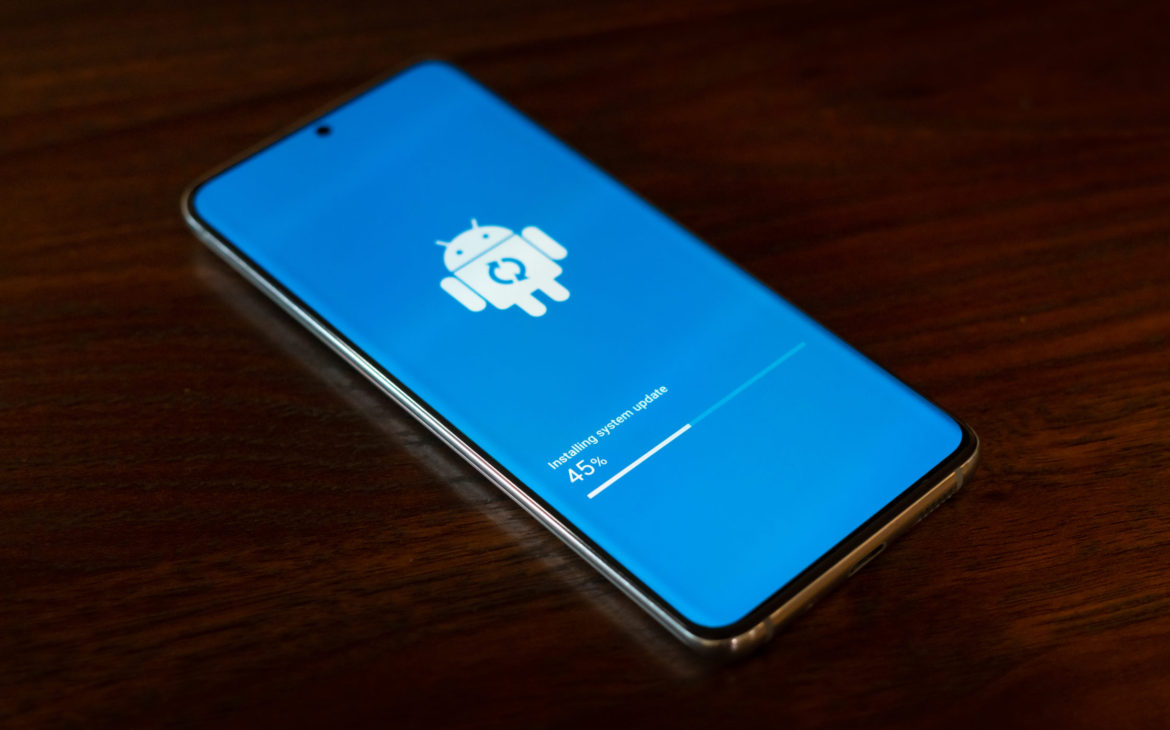
First, make sure you have the update.
In Settings, navigate to “Software Update” and tap “Download and Install”. I got the update on August 23, 2020.
Once you have the update, enable gesture navigation following these steps:
- Open the Settings app
- Navigate to “Display”
- Tap “Navigation bar”
- Select “Swipe Gestures”
- Make sure to select “Swipe from sides and bottom” to get the full Android 10 Gesture Navigation experience
And that’s it! Take some time to play around with it — it took me at least two days to get used to the change.
What I Love (and Hate) About the Feature
I love that I can use Android’s gesture navigation in tandem with my favorite launcher on the S20. I think this represents the appeal of Android as a phone OS: I get to have the experience I want with software that looks the way I want running on what I think is some of the nicest hardware available to consumers.
It looks great, it works well, and it makes me love my phone just a little bit more.
That said.. it is not without some quirks. I’ve run into a few strange behaviors in my time using the gesture navigation. None of these are deal breakers, and some of them I think stem from my own unfamiliarity with the gesture nav system, but I’m definitely looking forward to seeing some improvements over time.
Love: Home Swipe
I love swiping up from the bottom of the screen to close an app. Feels like I’m tossing it out of my way when I’m done with it.
So effective and final!
Hate: App Switch Glitches
Don’t get me wrong – This is merely a cosmetic issue. I still prefer the partial swipe-up gesture over a button for switching apps. But look at this:
My home screen should not be visible behind the app windows. It will usually disappear on its own if I stay in the view for long enough – but this glitch leaves the multi-task view cluttered and unpolished.
This may be different when using other launchers, and it’s entirely possible this just requires a quick fix by either Samsung or the app developers. I hope it is corrected soon.
Love: Swipe to Go Back
The back button has always been a user friendly design choice in the Android operating system. Replacing the button with a simple swipe?

Amazing.
I can swipe from the edge of the screen no matter where my finger or thumb is without having to move to find a button. And that slingshot-style animation is beyond satisfying every time I do it.
Hate: Switching Apps from the Home Screen
If I’m on my home screen, and I’m trying to pull up my recent apps, I’ve noticed my phone gets confused by my upward swipe. Am I trying to get into the app drawer? Or do I want to view my open apps?
It usually works, if I swipe just right. Sometimes I can’t get to the task switcher at all; I have to open an app and then swipe up. I haven’t been able to identify a pattern.
This is another one of those issues where it seems like the launcher’s code needs just a little tweak from the developer, but maybe it’s an issue with Samsung’s implementation of this Android 10 feature.
I don’t know, but it doesn’t matter – this represents a real impact to useability.
Love: Swipe the Bottom Bar to Quickly Switch Apps
I understand that some form of this feature existed on the original three-button navigation bar. However, the function of this feature is far easier and more intuitive with the new gesture navigation.
It’s slick. It’s easy. I dig.
Out of all the new features that came with One UI 2.5, I was most excited for and have thoroughly enjoyed the ability to use the Android 10 Gesture Navigation system while retaining my favorite third party launcher.
I should try out DeX, especially now that it’s so easy. And I may as well play around with the new Pro Video updates at some point. I’m sure I’ll enjoy those too.
Which feature will be the most useful for you?